
System integration: get your systems talking.
Webshop, invoicing, CRM, accounting, warehouse, courier, bank: we connect them, so data goes where it is needed on its own. Even when one of those systems is decades old and cannot be touched.
Let's talk about integration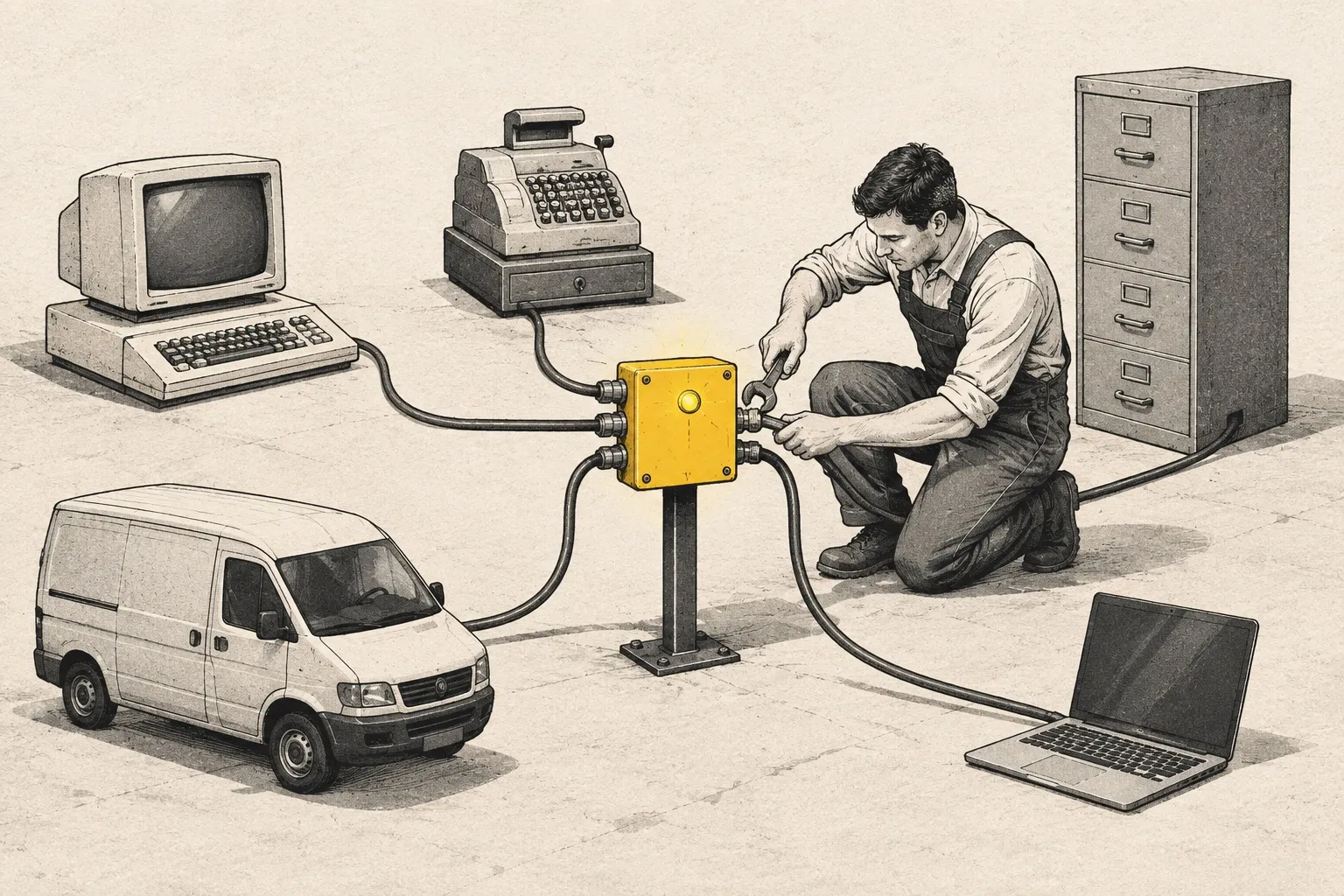
Sound familiar?
- You type the same data into several systems by hand.
- At month end you spend days reconciling the webshop, the invoicing and the bank.
- There is an old system everyone depends on, and nobody dares to touch it.
- The new system arrived, but it does not talk to the old one.
We connect these, so nobody has to do it by hand.
What we connect
Webshop and invoicing
An order becomes an invoice on its own, and the status flows back to the shop.
CRM and customer support
A customer's details, orders and tickets in one place, the same in every system.
Accounting and bank
Payments received matched to invoices issued, so month end is not one long reconciliation.
Warehouse and courier
Stock, parcel tracking, returns: the data goes where it is needed.
Legacy systems
We can put an API in front of even a decades-old system, without touching the old software.
Monitoring and operations
If a connection gets stuck, we are the first to know, and we fix it.
In numbers
At a partner in China with 70,000 employees:
- MS-DOS running the old production line, which could not be touched
- 0.3 s response time or less on the new API
- 5 min max total downtime, only while swapping cables
The knowledge stays with you
We don't want your system to live in one person's head, ours included.
- 1
Documentation
We write down how things work, where everything is, and what to do when something happens. In plain language, for your team too.
- 2
CI/CD setup
Automated testing and releases, so a new version goes live without manual steps or crossed fingers.
Learn more - 3
Training your team
If needed, we teach your colleagues how to work with the system and how to ship a new version.
How we connect it
- 1
Assessment
We look at the systems you have and where data is still moved by hand, and tell you in writing what we suggest.
- 2
Design
We write down which data goes where, and what happens when something gets stuck.
- 3
Build
Step by step, starting with the connection that saves the most manual work.
- 4
Operations
We watch the connections and step in when needed.
How we did it
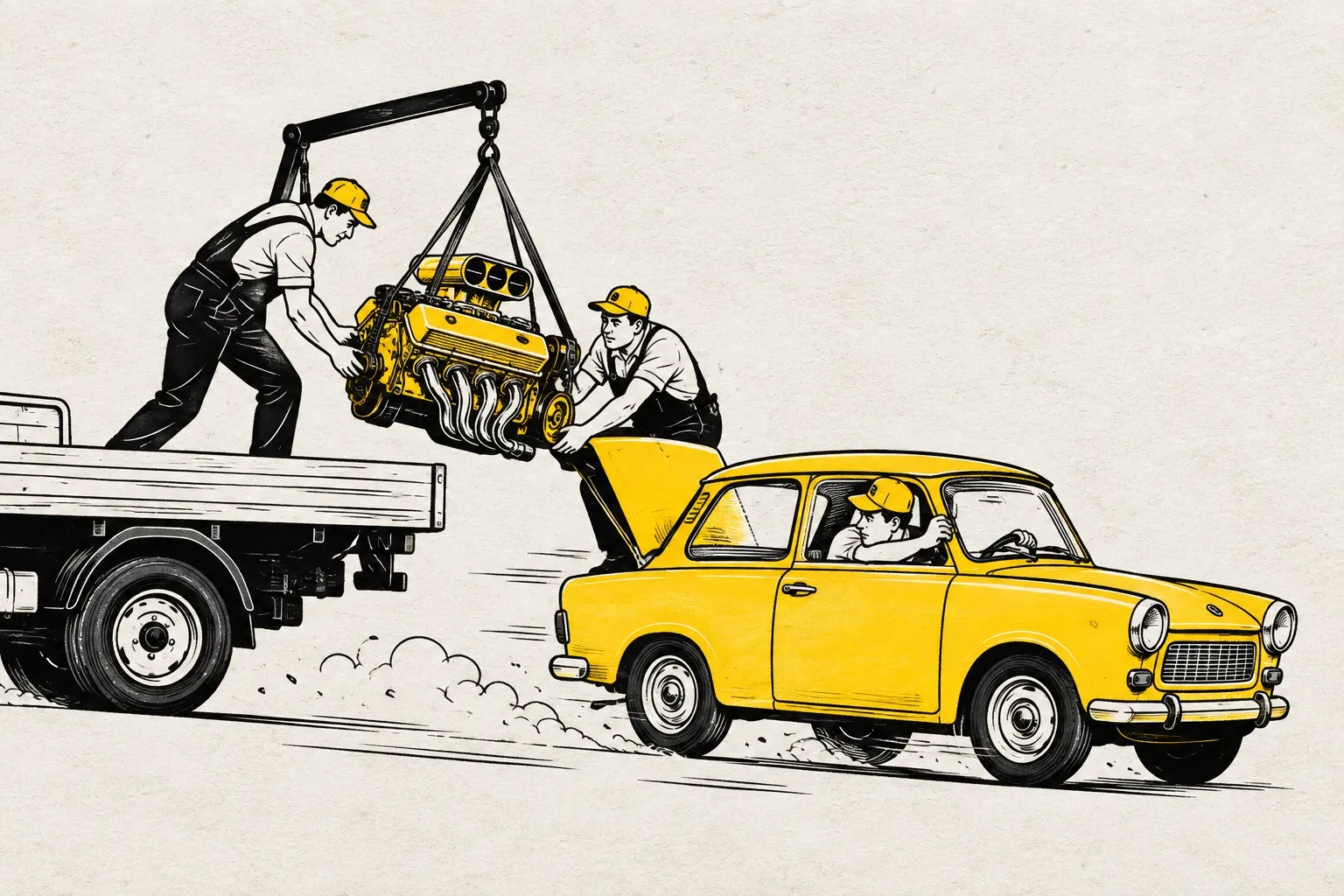
From MS-DOS to an API. Under 0.3 seconds. Without flying to China.
We connected a clothing factory's MS-DOS production line to the CRM through an API, without touching the old software, without stopping the line, and all of it remotely.
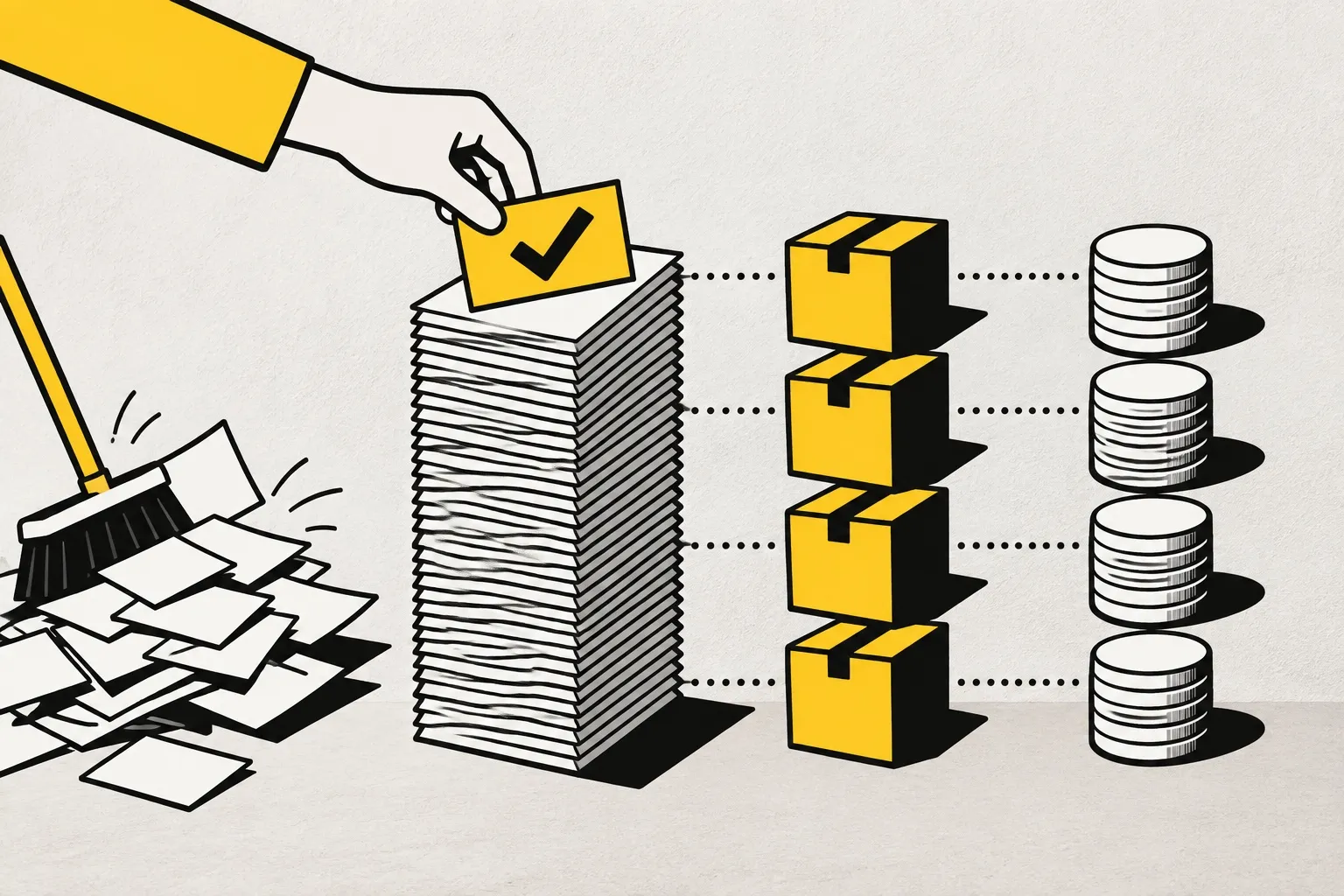
16,000 invoices, one by one
We matched the webshop, invoicing, courier and bank data line by line, across more than 16,000 invoices. The real revenue came to light, and the problem was far smaller than feared.
How many systems get the same data typed in?
How can we help? We reply within one business day.