
One account, one sign-in
You sign in to the Console and to Echo with the same upTools account. Two-step verification and passkeys are set up in one place.
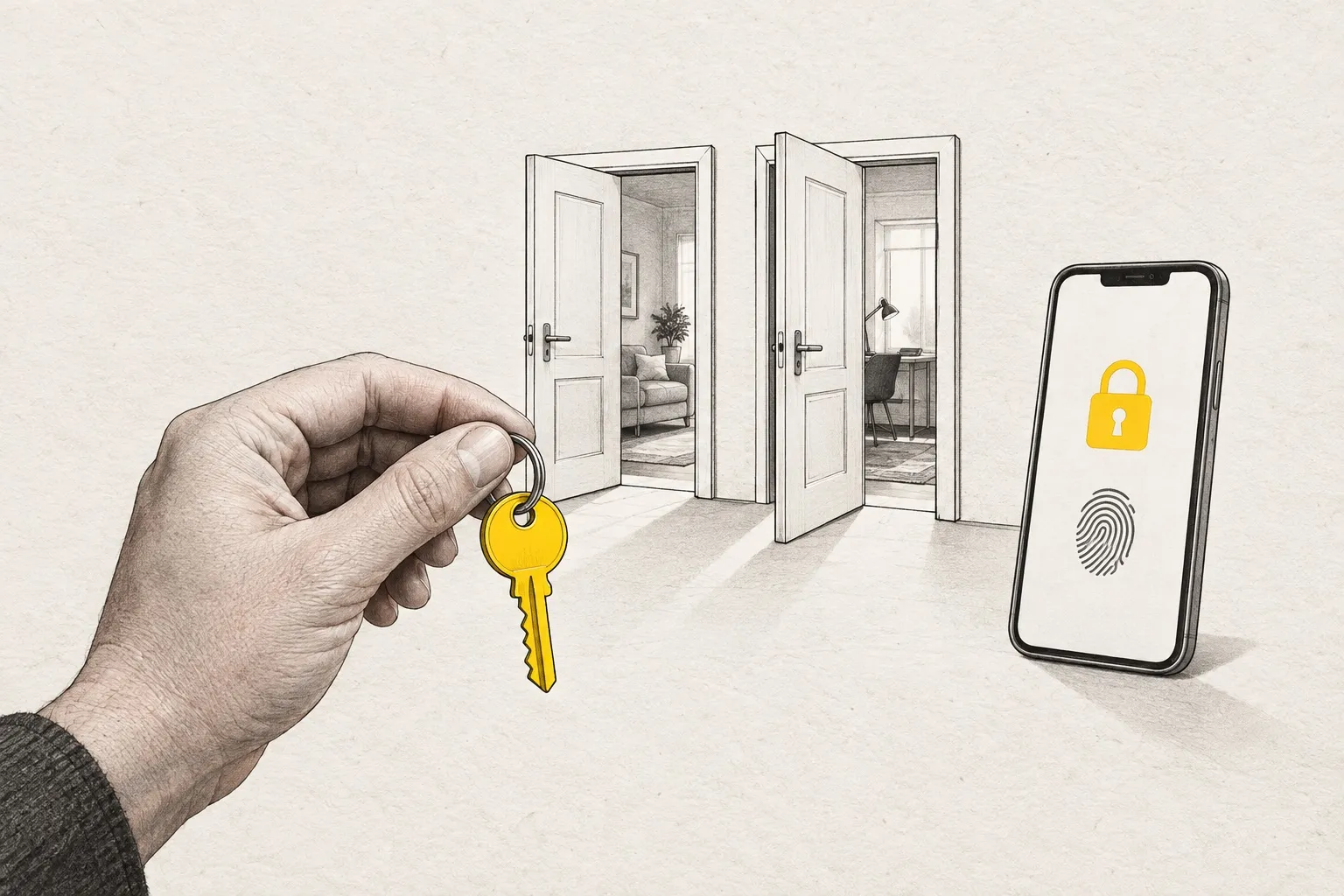
The Console and Echo now share one upTools account. You sign in once and reach both.
What changed
- You sign in to the Console and to Echo with one shared upTools account.
- Two-step verification (with an authenticator app) and passkeys are set up in one place.
- When you sign out, you are signed out everywhere. Nothing stays open.
Who it helps
Anyone who uses both the Console and Echo. You manage one account instead of two, and your security settings live in one place.
What you need to do
Nothing. Your existing account stays as it is. If you have no two-step verification or passkey yet, you can turn them on in the account settings of the Console.
Want to try it?
Sign in to the Console and take a look at the security settings of your account.